
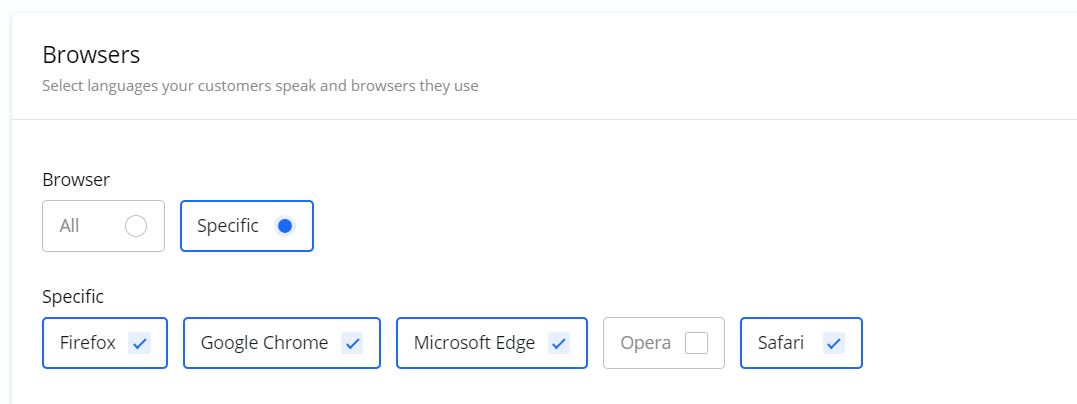
Browser Targeting allows you to show your ads specifically to users who are using a particular web browser (e.g., Chrome, Firefox, Safari).
This option is useful if you have a Campaign or Creative that is optimized for, or only works correctly on, a specific browser.
Frequently Asked Questions
Q: What is Browser Targeting?
A: Browser Targeting is a feature that lets you choose to show your ads only to users who are on a specific web browser, such as Chrome, Firefox, or Safari.
Q: When should I use Browser Targeting?
A: It is most useful when your ad, Creative, or landing page is designed specifically for one browser, or if you know your target audience has a strong preference for a particular browser.
Q: Can I target more than one browser?
A: Yes, you can typically select one or more browsers from the available options.